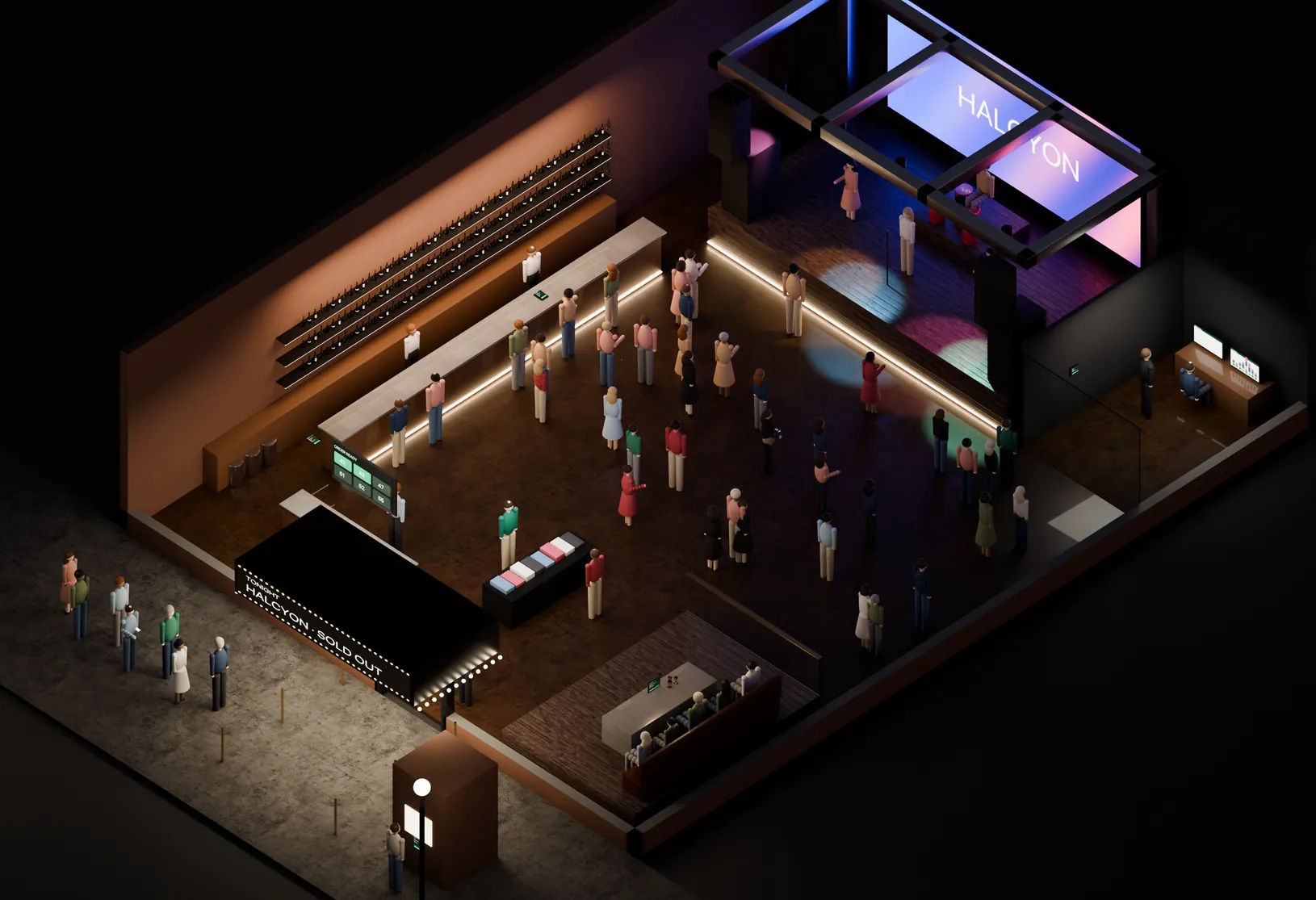
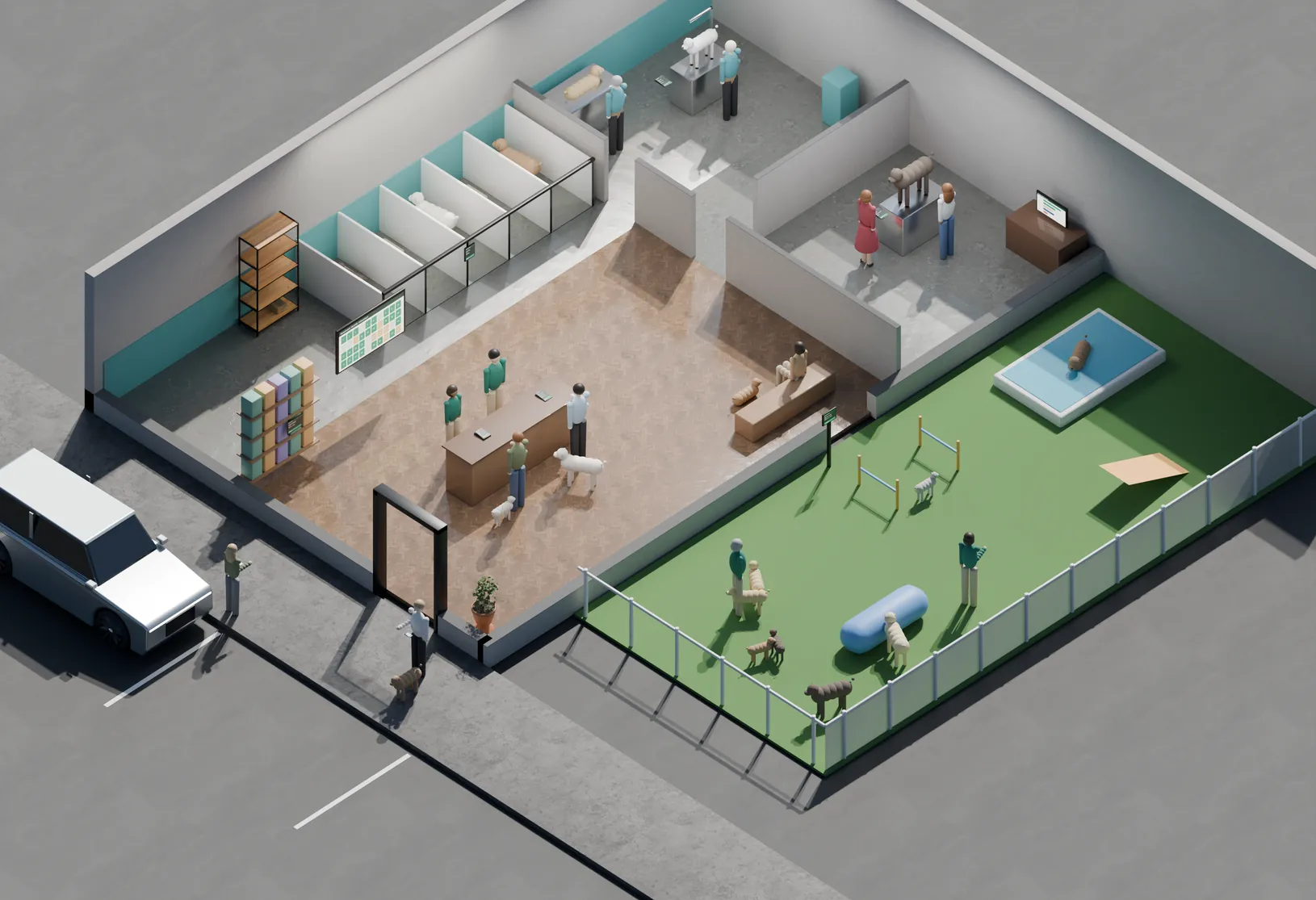
Painting
Quote by room
Good/better/best by room and finish, a deposit before paint is ordered, crew clock-in by job, and before-and-after photos at the walkthrough.
Home & field services
A Tuesday at 10:15. Three trades in one house, a van in the driveway, and an office that already knows what the job has made so far. Twelve marks show the systems doing the work — from the estimate to the payment to the shop where it all adds up.
TUE · 10:15 AM
JOBS TODAY 14 · CREWS OUT 5
PAID ON SITE 9 · OPEN INVOICES 3
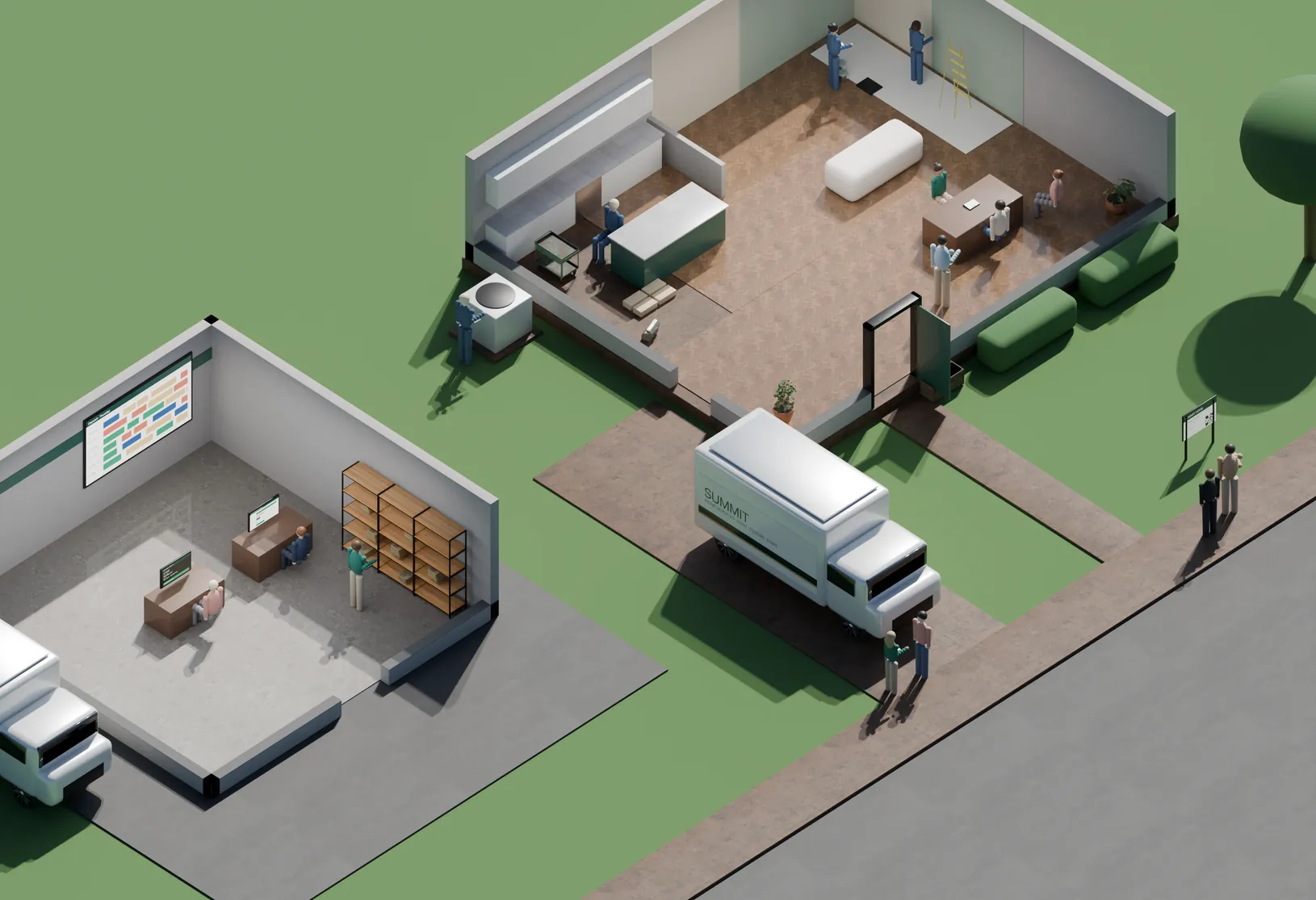 Job Costing & Profit Scheduling, Dispatch & Fleet Invoicing, Deposits & Text-to-Pay Price Book & Inventory Good / Better / Best Estimates Customer Portal & Approvals Project Tracking & Progress Billing Job Checklists & Clock-In Online Booking Lead Source Tracking Tap to Pay on Site Maintenance Agreements
 At the house
Hover a light on the lot — or a station in the list Tap a light on the lot — or a station in the list
The 12
Grouped the way the day runs: what happens at the house, what happens out front, and what happens back at the shop.
At the house
Good / Better / Best Estimates Three options on one screen, signed on the spot. Explore Customer Portal & Approvals She approves the change order from her phone. Explore Project Tracking & Progress Billing Half the floor is down. Half the invoice can go out. Explore Job Checklists & Clock-In Hours land on the job, not on a timesheet. ExploreOut front
Online Booking The neighbor booked from the sidewalk. Explore Lead Source Tracking Which yard sign paid for itself. Explore Tap to Pay on Site Paid at the curb, not in thirty days. Explore Maintenance Agreements The next tune-up is already on the calendar. ExploreBack at the shop
Job Costing & Profit What this job actually made, before the next one starts. Explore Scheduling, Dispatch & Fleet Every crew, every van, one board. Explore Invoicing, Deposits & Text-to-Pay The invoice goes out before the van leaves the curb. Explore Price Book & Inventory What it costs, what it sells for, and where it is. ExploreBack office
Every estimate, clock-in, part and payment lands on the job it belongs to. You know what a job made the day it closes, not when the accountant gets to it.
Across 5 crews
On target of 35%
Down from 23 in March
Days from job done to paid
Sample dataAverage by week, after moving to on-site payment and text-to-pay invoices. The dashed line is this company’s 7-day target.
| Week | Days to paid | vs target |
|---|---|---|
| Wk 1 | 23 days | +16 days |
| Wk 2 | 21 days | +14 days |
| Wk 3 | 17 days | +10 days |
| Wk 4 | 14 days | +7 days |
| Wk 5 | 11 days | +4 days |
| Wk 6 | 9 days | +2 days |
| Wk 7 | 7 days | 0 days |
| Wk 8 | 6 days | -1 days |
How it fits
A job booked online and a job that came from a yard sign are the same job by the time it reaches the board — and the same line on the P&L when it closes.
Fit
Same platform, different defaults. What changes is how you quote, when you bill, and what the tech needs on the phone.
Painting
Good/better/best by room and finish, a deposit before paint is ordered, crew clock-in by job, and before-and-after photos at the walkthrough.
HVAC
Maintenance agreements billed to a card on file, equipment history by address, after-hours booking, and service calls paid at the unit.
Flooring
Estimates from the measure, deposits on special-order material, and progress billing room by room.
Contractors & remodelers
Project tracking with completion percentages, change orders approved in the customer portal, and billing at each draw.
Solar
Milestone billing on permit, install and inspection, bank transfers for the big payments, and a clear record of every deposit.
Switching
The order below is the actual order. Nothing goes live until your price book is right and a crew has run a week on it.
Your services, materials and labor rates entered and checked against recent quotes.
Week 1Your templates, tiers, deposit rules and payment terms set up the way you already sell.
Week 1Card readers paired to crew phones, and the app set up with each tech’s login and schedule.
Week 2One session for the office, one for the crews in the field — on real jobs, not a demo.
Week 2A week of jobs run on both systems, so nothing is discovered in front of a customer.
Week 3We’re on call for the first week and walk the first month-end close with you.
Week 4Questions
Yes. The tech takes a card on the reader paired to their phone, or sends a payment link if the homeowner isn’t home. The office sees it the moment it clears.
Often, yes. The card networks allow surcharging on credit cards, not debit, with disclosure and a cap, and some states add their own rules. Cash-discount pricing is another route. We check what applies to you before anything is switched on.
Send the invoice with a bank-transfer option. It costs less than a card, arrives faster than a check in the mail, and nobody has to drive it to the bank.
No. Most contractors start with payments and invoicing, because that’s where the money is stuck. Scheduling and dispatch can come later, or stay where they are.
Yes. Invoices and payments sync, so the books match the jobs without anyone re-typing them.
The plan charges the card on file on its schedule, books the visits, and keeps the equipment history for that address. The customer gets a receipt; you get recurring revenue that carries the slow months.
Free walkthrough
Forty-five minutes, your price book and last month’s invoices. We map which of the twelve you already have, which are costing you, and what to change first.
No rate quoted until we’ve seen your statement. If the right move is to change nothing, we’ll say so.
Other industries