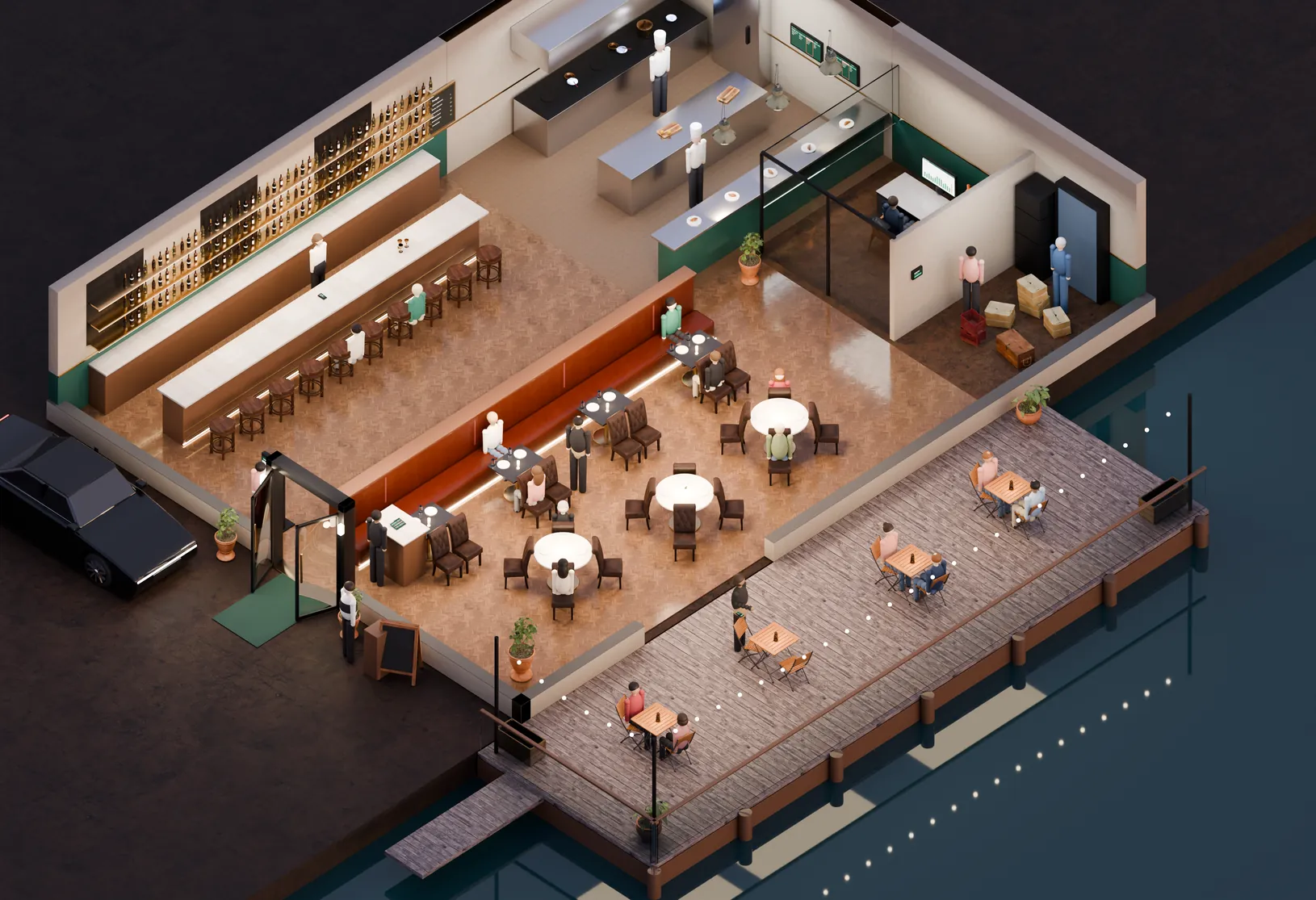
Fine dining
Coursed service
Seat & Send from the host stand, course holds and fire timing on the line, tableside handhelds so the check never leaves the guest. Reservations with guest notes and allergies attached.
Restaurants
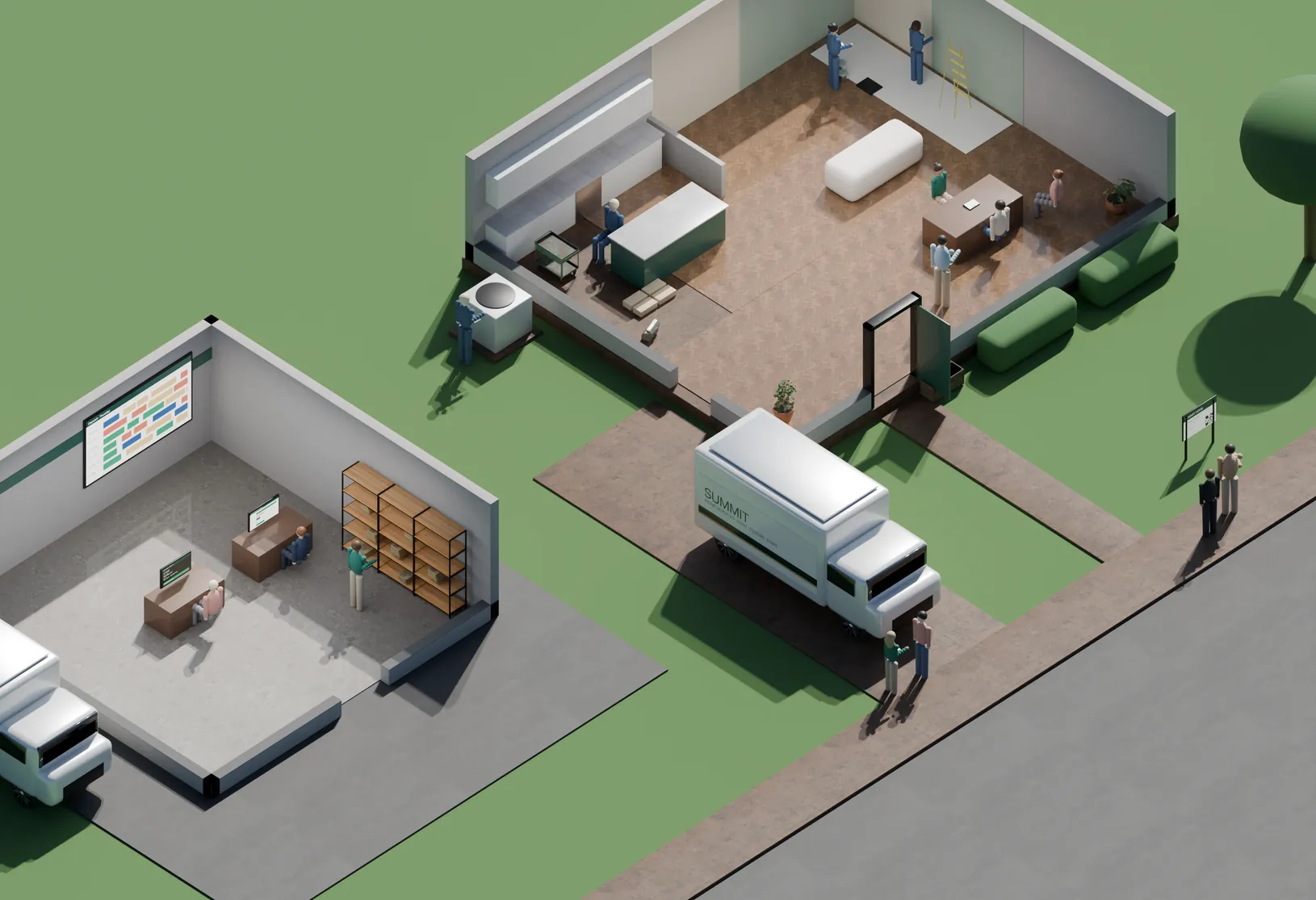
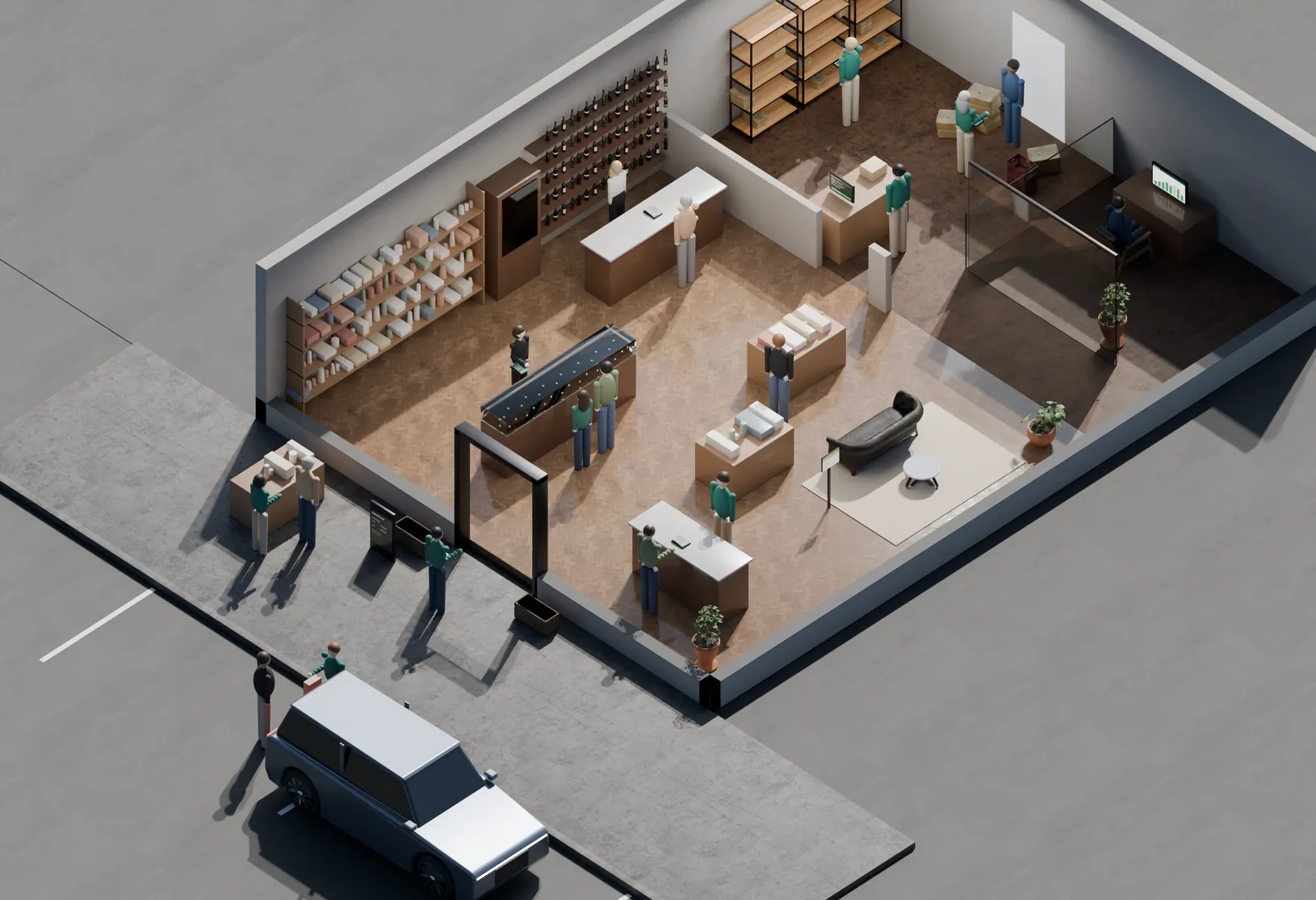
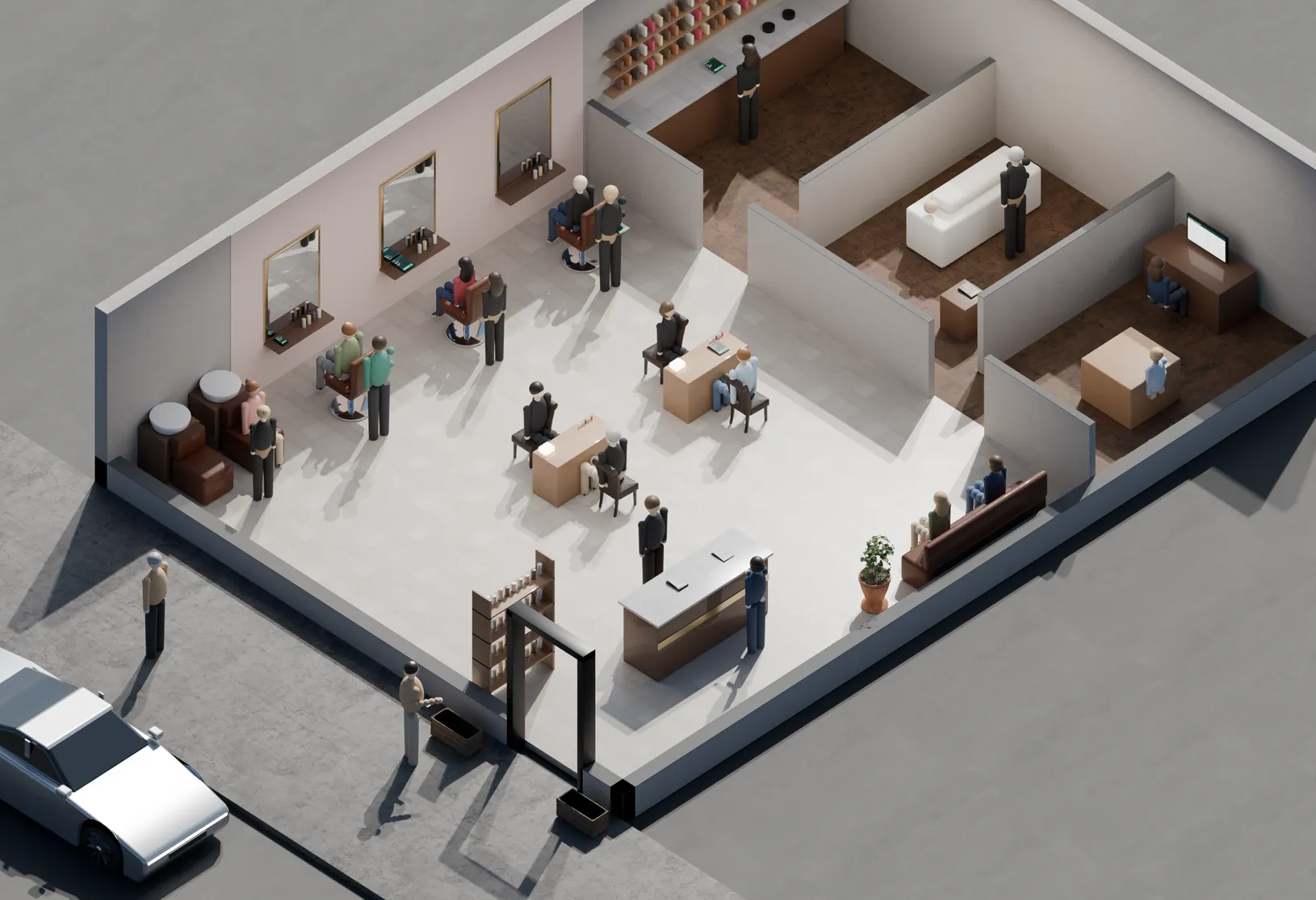
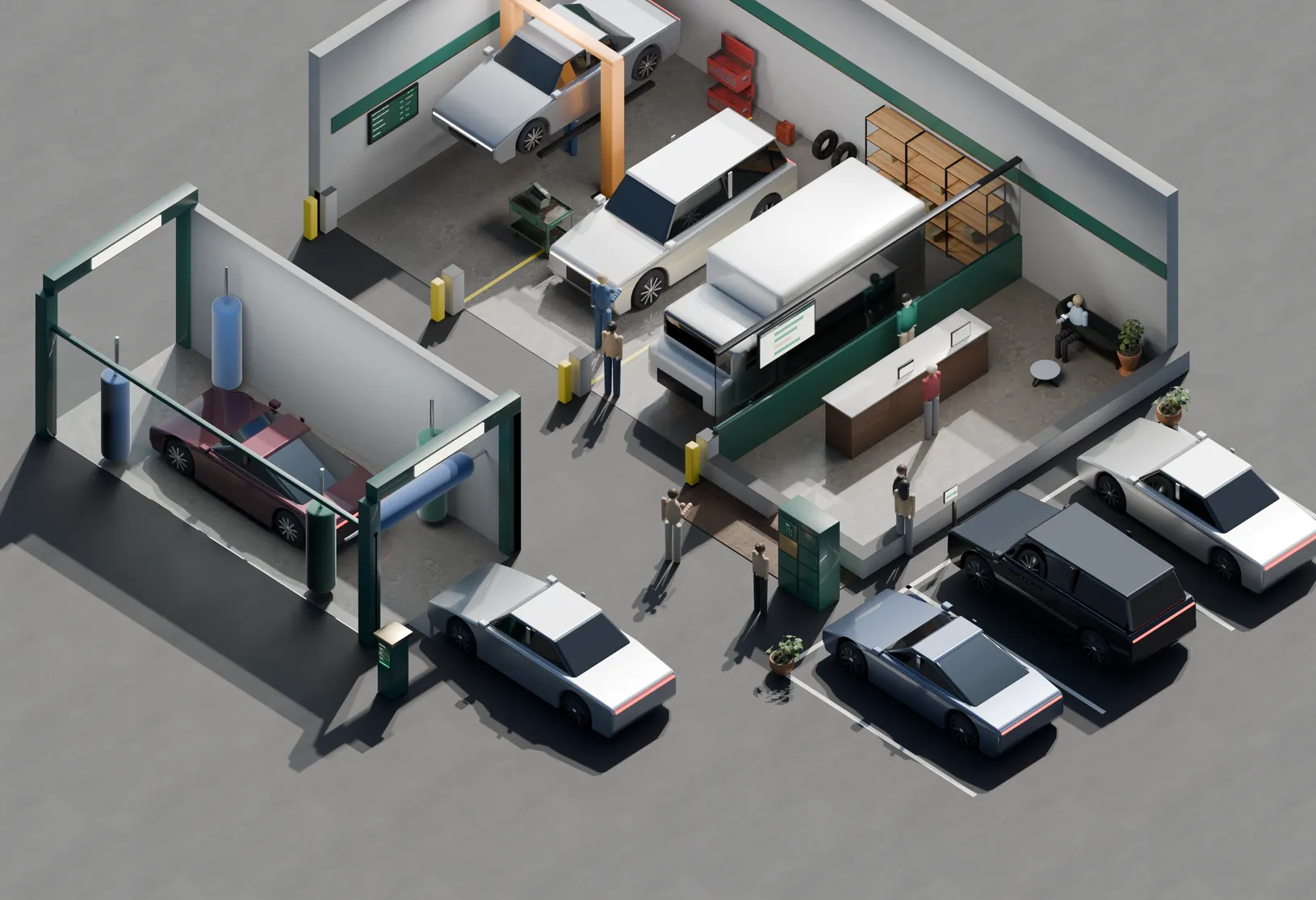
A Friday at 7:42. The room is full but quiet, because nothing here is being shouted across it. Twelve marks on the floor show the systems doing the work — from the door to the line to the office where the night adds up.
FRI · 7:42 PM
COVERS 58 · ON WAIT 4
OPEN TABLES 4 · AVG TURN 52 MIN
Dining room
Hover a light on the floor — or a station in the list Tap a light on the floor — or a station in the list
The 12
Grouped the way a room is: what happens at the door, what happens at the table, and what happens behind the swinging door.
Front door
Email & SMS Marketing They are here because of Tuesday’s send. Explore Self-Order Kiosk Takeout that never touches the phone. Explore Reservations & Waitlist The door, under control. ExploreDining room
Seat & Send Seated and fired in one motion. Explore Menu Engineering Which dishes actually pay rent. Explore QR Menu & Guest Ordering Scan, order, reorder. Explore Tableside Handhelds The terminal walks to the table, and out to the patio. Explore Contactless Payments Tap, tip, done. ExploreBack office
Every tap at a kiosk, handheld, bar or host stand posts to the same ledger. Prime cost is known nightly, not on the 20th of next month.
Across 1 location
On target of 55%
Up from 7.8% in March
Prime cost by week
Sample dataFood and labor as a share of net sales. The dashed line is this operator’s 55% target.
| Week | Prime cost | vs target |
|---|---|---|
| Wk 1 | 58.4% | +3.4 pts |
| Wk 2 | 57.9% | +2.9 pts |
| Wk 3 | 57.1% | +2.1 pts |
| Wk 4 | 56.8% | +1.8 pts |
| Wk 5 | 56.2% | +1.2 pts |
| Wk 6 | 55.4% | +0.4 pts |
| Wk 7 | 55.1% | +0.1 pts |
| Wk 8 | 54.6% | -0.4 pts |
How it fits
An order placed at a kiosk and an order placed by a server on a handheld are the same order by the time the kitchen sees it — and the same line item by the time you close the night.
Fit
Same platform, different defaults. What changes is the floor plan, the ticket routing, and which stations you turn on.
Fine dining
Seat & Send from the host stand, course holds and fire timing on the line, tableside handhelds so the check never leaves the guest. Reservations with guest notes and allergies attached.
Bar & lounge
Pre-auth tabs, fast re-order, measured pours tied to inventory depletion. QR ordering so a full bar does not mean a long wait for a second round.
Fast casual
Self-order kiosks with guided modifiers, order-ready screens, and a kitchen display built for throughput instead of courses.
Café & bakery
A short menu that rings fast, loyalty at the register, and par levels on a product that goes stale by the end of the day.
Multi-unit
Push a price change or an 86 across every location at once, and roll every ledger into a single P&L with per-store columns.
Switching
The order below is the actual order. Nothing goes live until the menu is right and the staff have run a shift on it.
Your menu, modifiers and prices are entered and checked against your current tickets.
Week 1Tables, sections and printer or screen routing laid out to match how the room really works.
Week 1Terminals, handhelds, kitchen screens and the printer at the pass, installed and networked.
Week 2Two sessions — front of house and kitchen — on the actual hardware, with your menu loaded.
Week 3One service run on both systems so nothing is discovered at 7:30 on a Friday.
Week 3We are in the room for opening weekend, and we walk the first month-end close with you.
Week 4Questions
No. The usual order is POS and kitchen display first, then payments, then inventory and labor once the menu data is clean. Reservations and marketing can come before or after — they do not depend on the rest.
Upcoming bookings are imported before go-live, and guest profiles — visit counts, notes, allergies, spend — come across where your current system will export them. What cannot be exported gets rebuilt from your booking confirmations.
Terminals and handhelds keep taking orders and card payments offline and sync when the connection returns. The printer at the pass is the backup for the kitchen screens, which is why it stays on the counter even when nobody plans to use it.
Yes. The daily close exports to the common bookkeeping formats, and the chart of accounts is mapped to yours during setup rather than forcing you onto a template.
Sales and labor reporting are accurate from the first shift. Food cost and prime cost need recipes and counts loaded, which usually takes two to four weeks of real service to settle.
Yes — menus, floor plans and pricing are per location. The roll-up view is what they share, so a bar and a dining room under one owner still report into one P&L.
Free walkthrough
Forty-five minutes, your menu and your last month of numbers. We map which of the twelve you already have, which are costing you, and what the order of operations would be.
No rate quoted until we’ve seen your statement. If the right move is to change nothing, we’ll say so.
Other industries